The Pixel Budget Plan
From one master photo to every print and upload: the pixels you really have, the crop, sharpness by viewing distance, boxes and caps rounded down, and bytes compared with bytes
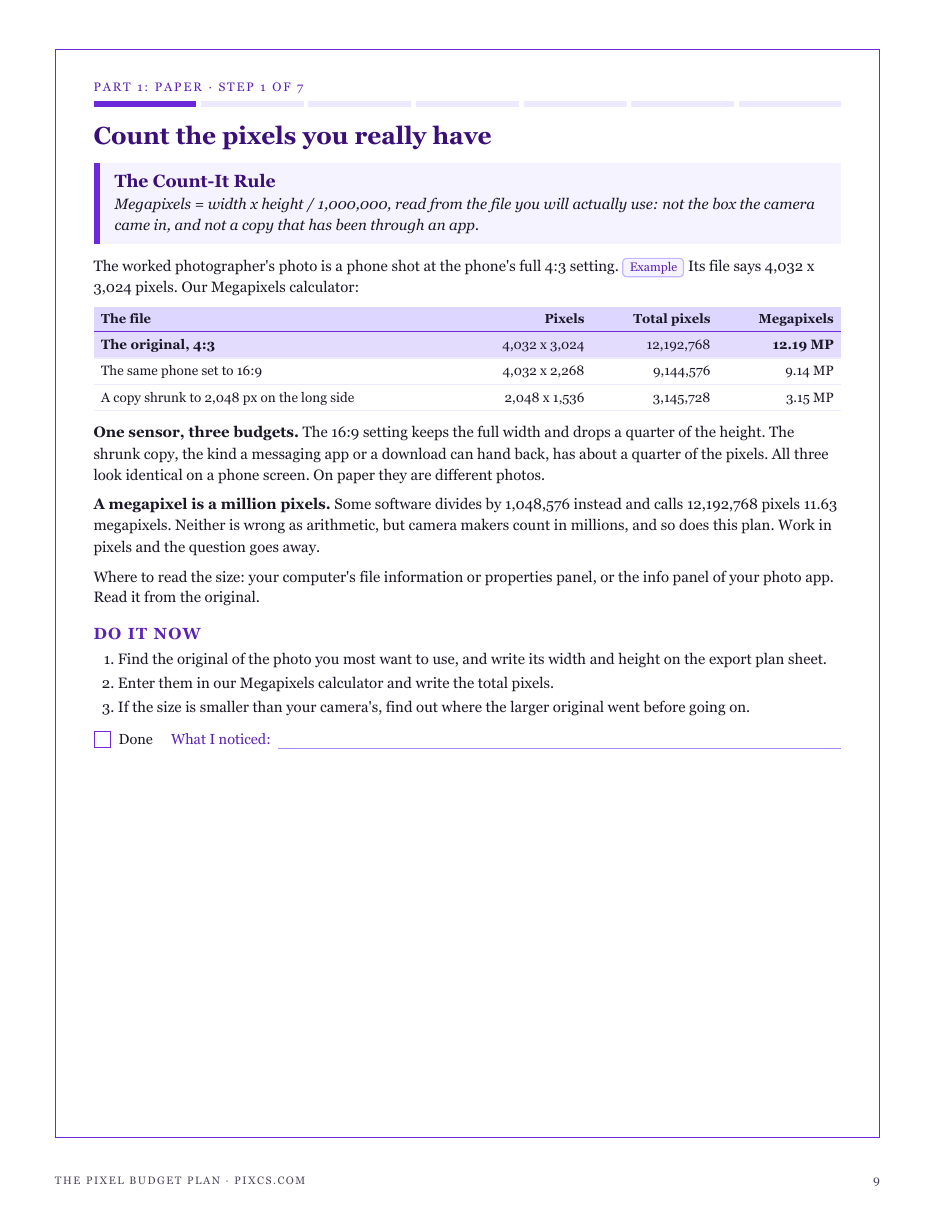
Pixcs's six calculators each answer one question: megapixels, a crop, inches at a PPI, a new size from one side, bytes from pixels. None of them talks to the others, and a real photo passes through all of them on its way to a frame or an upload form. That is where the expensive mistakes live: an 8 x 10 crop spends 40% of a phone photo before anyone asks how big it can print, "300 DPI" is treated as a law, and a portrait sized by its width lands 683 pixels too tall for a square box. The Pixel Budget Plan joins them up. In the worked example a 4032 x 3024 phone photo (12.19 MP) cropped to 4:5 keeps 2419 x 3024, which is 151 PPI on a 16 x 20 print: sharp from 23 inches by the 1-arcminute rule of thumb, soft in the hand. Enlarging it to "300 PPI" makes the file four times bigger and adds no detail, and a camera with 1.87 times the megapixels prints only 1.37 times longer. For uploads it fits both sides of a box and rounds down, so a 10 MP cap is not crossed by 89 pixels, and it compares a file with a 5 MB cap at 5,000,000 bytes, not 5,242,880. Every figure is computed by code from the site's calculators; the photo, prints, boxes and caps are examples, the sharpness rule is a rule of thumb about average eyesight, and compressed sizes are estimates. It names no platform and quotes no platform's limits, because those change: you look yours up and date them on the cap log. Included: 7 steps, 3 printable working pages, a largest-sharp-print table, a quickstart, and a personalised sheet worked from the numbers you enter in the calculators.
What’s inside
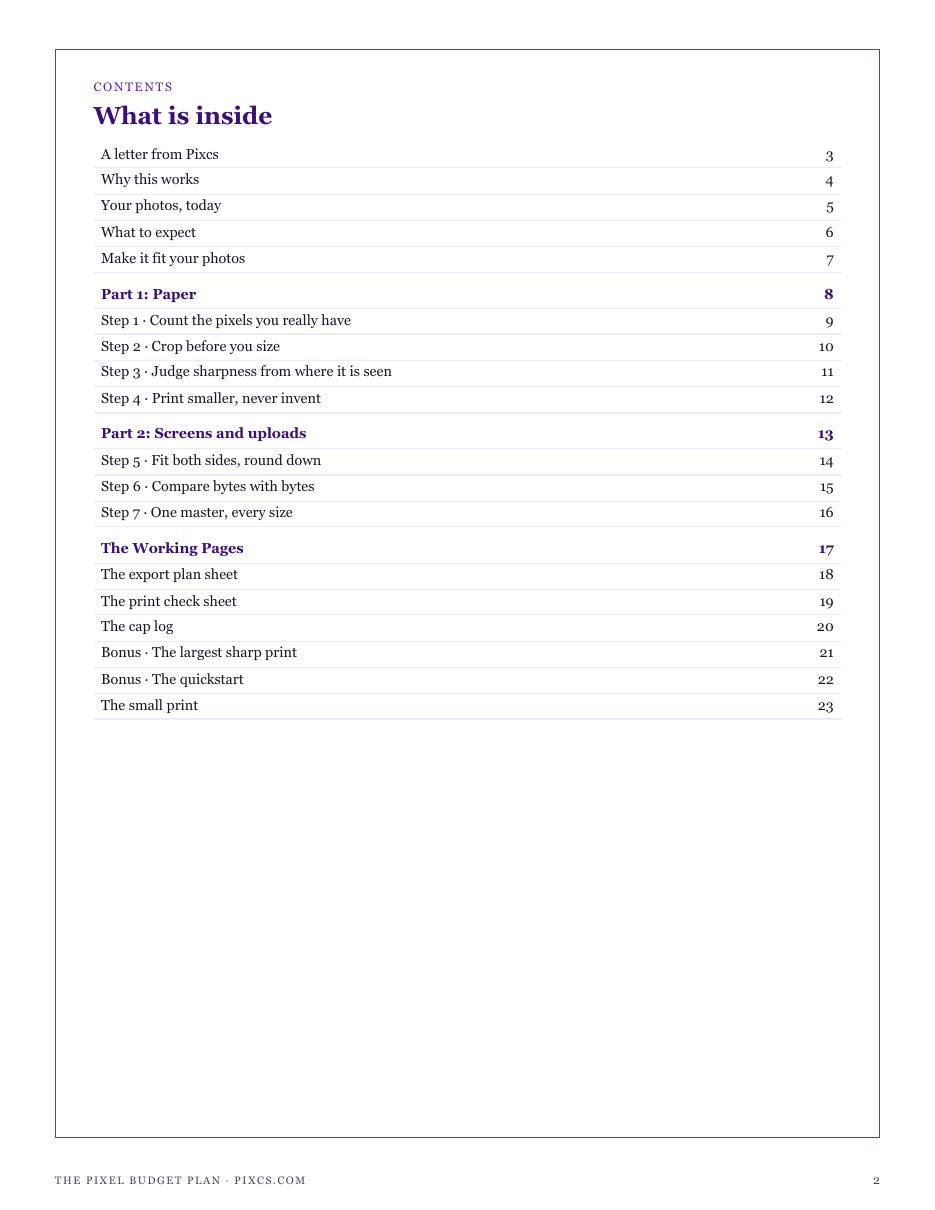
- The Count-It Rule: megapixels from the file you will actually use, not the box
- The Crop-First Rule: what each print shape keeps before you size it
- The Viewing Distance Rule: PPI by where the closest viewer stands, and why 300 is for the hand
- The No-Invention Rule: print smaller rather than enlarge, and the square root behind more megapixels
- The Fit-Inside Rule: both sides of the box, rounded down, under any megapixel cap
- The Byte Budget Rule: raw bytes, typical estimates, and MB versus MiB against a cap
- The Master File Rule: every export from one master, named by its size
- Working pages: export plan sheet, print check sheet, cap log for the limits you look up
- The largest sharp print by long-side pixels and viewing distance
- A quickstart that closes the score loop, plus a personalised sheet from your calculator inputs
Run one of the free calculators first and buy from that page, and this sheet is computed from your own figures. Buy from here and the pack still arrives complete — the sheet simply has no numbers of yours to work from yet.
14-day refund, no questions asked. If the pack is not what you needed, email support@graburl.com and we refund you in full — you do not have to justify it or delete the file. Full policy.
$15.00 including any taxes · PDF, 23 pages · instant download, link valid 7 days and 5 downloads.
Sold by GrabURL. The charge appears on your statement as GrabURL.
Refund policy · Terms of sale · support@graburl.com